Windows • April 6, 2026 • 10 min read
Motorized roller blinds in rentals: what renters can (and can't) fix
 By Michael Rivera · Updated Apr 6, 2026
The first time I walked into a unit with motorized roller blinds, the tenant had already called three times about the same window. "It goes down but won't come back up." I pressed the remote, heard the motor hum for half a second, and watched the fabric bunch up against the side guide. Took me about two minutes to fix — the track had a buildup of dust and a small piece of painter's tape from when the unit was last painted.
Motorized blinds are becoming standard in newer rentals and renovated units. They look great and work well — until they don't. The tricky part for renters is knowing where the line is between "I can handle this" and "I need to call maintenance before I make it worse."
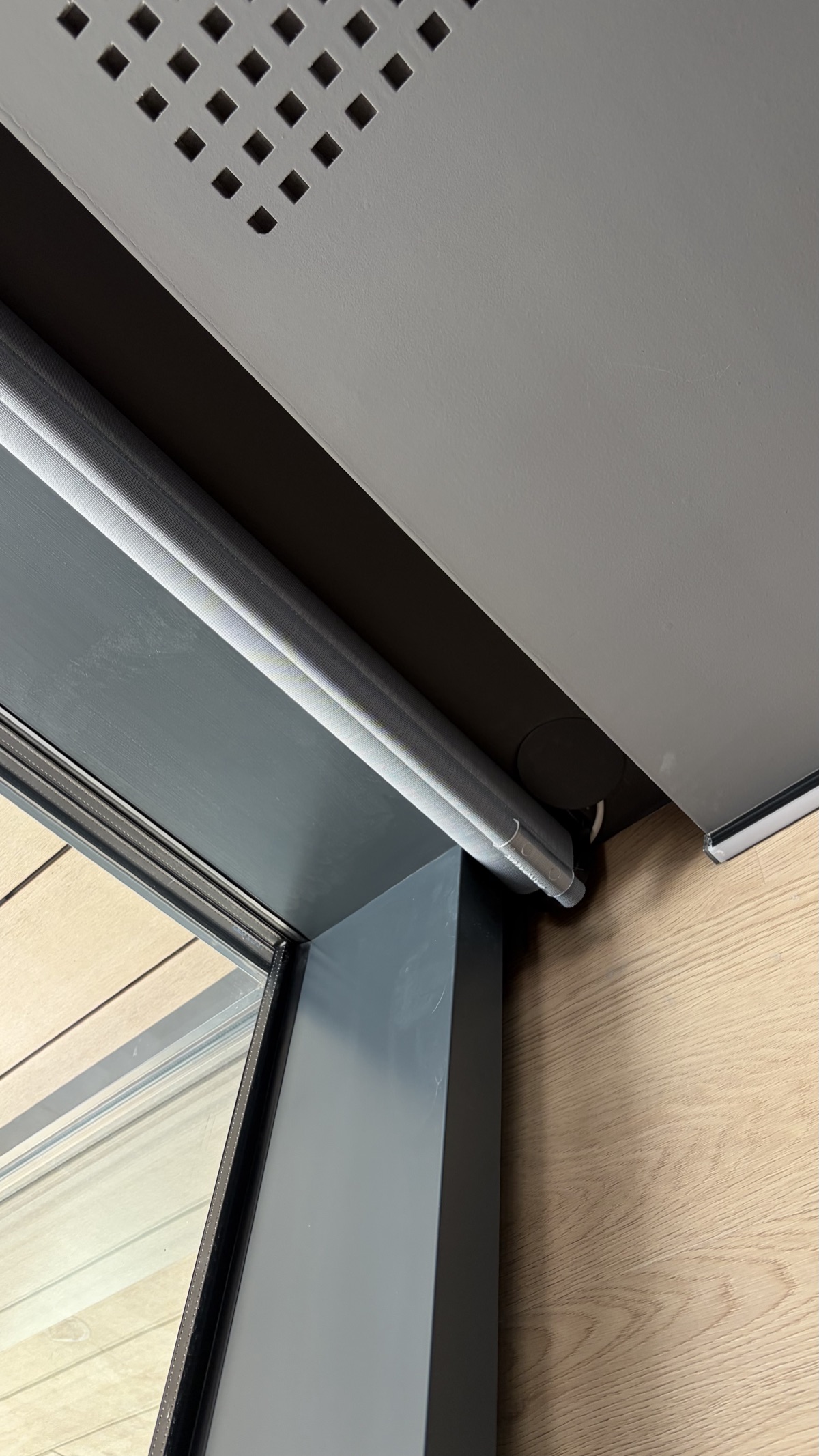
How motorized roller blinds work (30-second version)
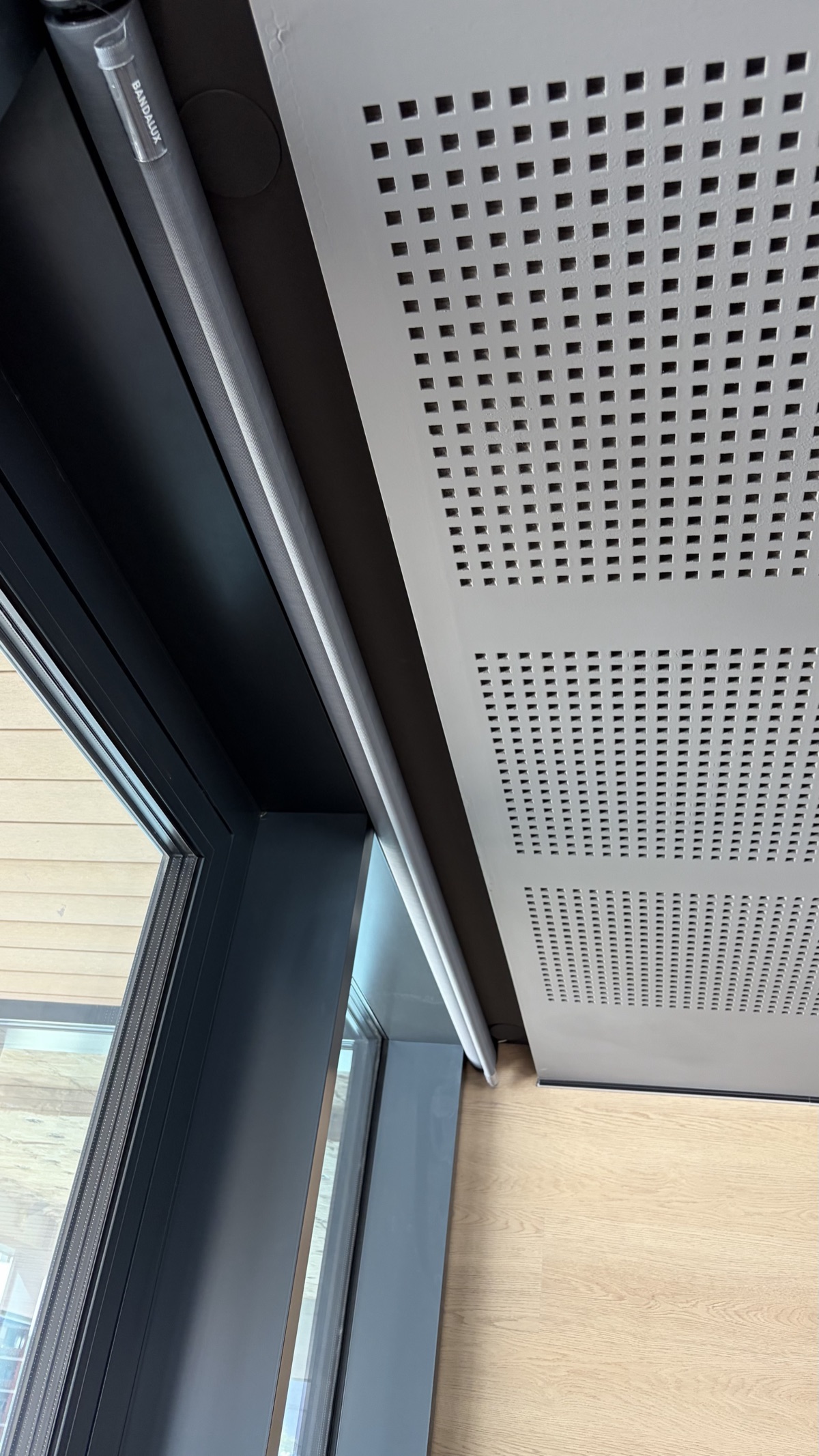
A tubular motor sits inside the roller tube at the top. It receives signals from a remote (RF or Wi-Fi) or a wall switch, and spins the tube to roll or unroll the fabric. Power comes from one of two sources:
- Hardwired — connected to the building's electrical system, usually behind the wall or ceiling. You'll see no visible plugs.
- Battery-powered — a rechargeable battery pack, often inside the roller tube or clipped to one end. These have a USB or DC charging port.
Most ceiling-mounted systems in rentals are hardwired. That's important because it means the electrical side is never a renter fix.
Quick diagnosis table
| Symptom | Likely cause | Renter fix? |
|---|---|---|
| Blind won't respond to remote | Dead remote batteries | Yes — replace batteries |
| Blind stops partway | Dirty side tracks / obstruction | Yes — clean tracks |
| Blind goes down but won't retract | Fabric catching, limit settings off | Clean tracks (yes) / reprogram limits (no) |
| Fabric hangs crooked or uneven | One side track blocked or fabric shifted | Check tracks (yes) / reattach fabric (no) |
| Motor hums but doesn't move | Internal motor issue or stripped gear | No — maintenance call |
| No motor sound at all | Power issue (hardwired) or dead battery | Check battery if accessible / otherwise no |
| Blind moves on its own | Timer/smart home setting or signal interference | Check app/timer (yes) / otherwise no |
What you can safely do
1. Replace remote batteries
This fixes about half of "my blind stopped working" calls I get. Most remotes use CR2032 coin cells or AAA batteries. Pop the back off, swap them out, done. If the remote has a tiny pairing button, don't press it — just replace the batteries and test.
2. Clean the side guide tracks
Dust, pet hair, and paint residue build up in the tracks that the fabric edges slide through. When the fabric can't glide smoothly, the motor either stalls or the blind bunches up.
- Use a dry microfiber cloth or a soft brush to wipe inside the tracks.
- For stubborn buildup, a slightly damp cloth works — just make sure the track is dry before operating the blind.
- Never spray lubricant into the tracks. Silicone spray attracts dust and can stain the fabric.
3. Check for obstructions
I once spent twenty minutes troubleshooting a blind that turned out to have a small toy wedged behind the fabric at the bottom. Look for:
- Items on the windowsill pressing against the fabric
- Curtains or other blinds tangling with the roller
- The bottom bar catching on a window handle or lock
4. Recharge or replace the battery (battery-powered only)
If your blind has a rechargeable battery, there's usually a USB or barrel-jack port at one end of the roller tube. Some designs let you slide the battery pack out without removing the blind. Charge fully and test. If the battery won't hold a charge anymore, mention it in your maintenance request — they'll swap the pack.
5. Check smart home timers
If the blind moves at odd hours, check whether it's connected to a smart home app or hub. Some systems have sunrise/sunset schedules enabled by default. Open the app and look for active schedules or automations.
What you should never do
- Pull the fabric manually when the motor is engaged — this can strip internal gears or shift the fabric off the roller.
- Remove the blind from its brackets — ceiling-mounted systems are tensioned and wired. Dropping one can damage the motor, the fabric, or your ceiling.
- Touch any wiring — even if you can see cables running along the ceiling or behind a cover plate. Hardwired systems are part of your building's electrical installation.
- Try to reprogram travel limits — most motors require a specific button sequence to set upper and lower limits. Getting it wrong can cause the motor to over-extend and damage the fabric or the mechanism.
- Spray anything into the motor housing — no WD-40, no compressed air into the motor end.
Stop signs — call maintenance
- Motor hums but the blind doesn't move (possible internal gear failure).
- Burning smell from the motor or any visible wire — stop immediately and report it.
- Blind fell or is hanging loose from the bracket.
- Fabric tore or detached from the roller tube.
- Water near the motor (leak from ceiling or window).
- Exposed or damaged wiring anywhere along the installation.
Maintenance request template
Copy and adapt:
Subject: Motorized roller blind — [unit/room]
The motorized roller blind in [room] is [describe symptom: not responding / stopping halfway / making noise / hanging unevenly].
I've checked: remote batteries [replaced / OK], side tracks [cleaned / clear], no obstructions visible.
The system is [hardwired / battery-powered]. Brand visible on the motor end: [brand name if you can see it].
Available for access: [your availability].
FAQ
- Can I reset a motorized roller blind myself? Some brands have a reset button on the motor head or respond to holding the remote buttons for 5–10 seconds. Check the brand label first. If there's no obvious reset method, contact maintenance.
- My motorized blind stops halfway. What's wrong? Usually the travel limits are off, the fabric is catching on a side guide, or the battery is low. Clean the side tracks and check for obstructions first. If the problem persists, the limit settings need reprogramming — that's a maintenance call.
- Is it safe to unplug a hardwired motorized blind? No. Hardwired blinds are connected to your building's electrical system. Never disconnect, cut, or modify any wiring. If the blind needs to be disabled, submit a maintenance request.
- The remote stopped working. Do I need maintenance? Start with fresh batteries — that fixes most remote issues. If it still doesn't respond, the remote may need re-pairing, which is usually a maintenance task since it involves the motor's programming mode.
Was this guide helpful? Have a correction or tip? Email [email protected].
Renter for 15+ years. I write practical, landlord-safe fixes I've actually done in my own apartments — no permits, no drama, deposit intact. More about me →